
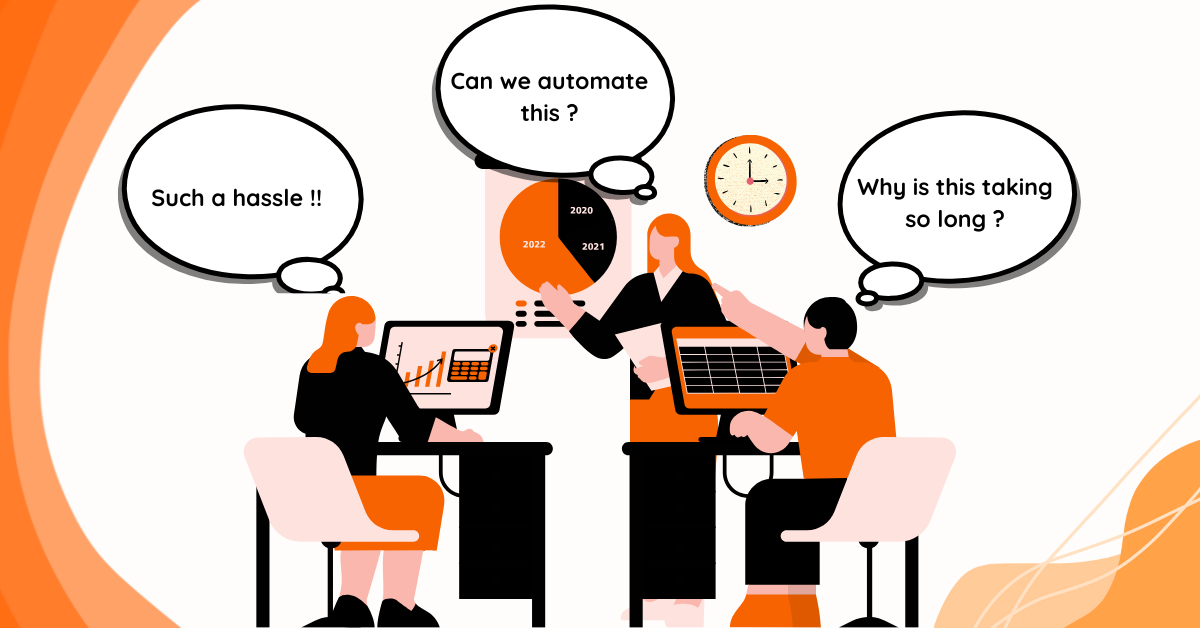
Imagine this: You run a thriving e-learning platform using both Moodle and WordPress. Every day, new students sign up, update their profiles, and enroll in courses. Now, you’re stuck doing the same tedious tasks—creating accounts twice, updating details manually, and fixing enrollment issues. Sounds exhausting, right?
That’s where MooWoodle comes in. MooWoodle is a powerful plugin designed to bridge the gap between Moodle and WordPress, making user synchronization effortless. With automation, it takes care of account creation, profile updates, and enrollments—saving you time and reducing errors.
The Hassles of Manual User Management
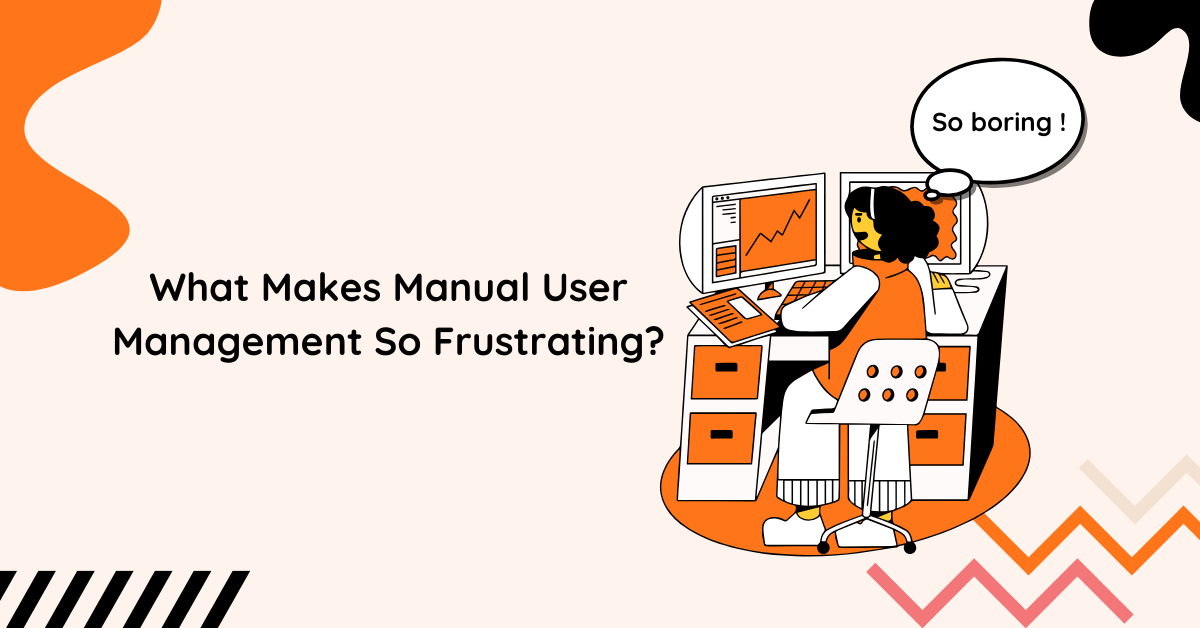
If you’re not using a sync solution, managing users between Moodle and WordPress can be a nightmare. Here’s why:
The Dual System Dilemma
Without a proper integration, admins must handle user accounts and enrollments separately in both Moodle and WordPress. This means double the work and double the risk of errors.
The Time Drain
- Creating Users Manually – Each new student needs an account in both systems.
- Updating Profiles – Any change (like an email update) has to be done twice.
- Handling Course Enrollments – Students must be manually enrolled and unenrolled in both platforms.
Data Inconsistencies and Errors
Mistakes happen—especially when handling large amounts of data manually. One typo or missed update could lead to access issues, frustrated students, or even security vulnerabilities.
How MooWoodle Makes User Sync Effortless
MooWoodle automates user synchronization so you don’t have to. Let’s explore its key features and how they solve your problems.
🔄 Real-Time User Sync (PRO)
With MooWoodle Pro, any change made in Moodle is instantly reflected in WordPress, and vice versa. This means no more waiting for updates or dealing with outdated information.
📂 Sync User Information (PRO)
Select what details to sync—first name, last name, username, password—so your users always have the correct credentials.
🔄 Sync Existing Users (PRO)
Already have users in both Moodle and WordPress? MooWoodle Pro synchronizes existing accounts, so there’s no need to start from scratch.
🔀 Two-Way Synchronization
MooWoodle allows syncing users from Moodle to WordPress or vice versa, keeping everything up to date on both platforms.
👤 Role-Based Syncing
Admins can choose which roles (e.g., students, teachers, admins) get synchronized, giving complete control over user management.
Why Automated Syncing is a Game-Changer
If you’re still on the fence, here’s why MooWoodle’s automated user sync is a must-have:
✅ Saves Time & Effort – No more manual work. Focus on creating great courses instead.
✅ Ensures Data Accuracy – Eliminate errors and inconsistencies between Moodle and WordPress.
✅ Improves Student Experience – Students can access courses seamlessly without login or enrollment issues.
✅ Streamlines Administration – Reduce workload for your team and minimize human error.
✅ Frees Up Resources – Spend less time on admin tasks and more on growing your e-learning platform.
More Features to Supercharge Your LMS
MooWoodle doesn’t just handle user synchronization. It also enhances your e-learning business in other ways:
💰 WooCommerce Integration
Sell Moodle courses directly through WooCommerce, making enrollment seamless and automated.
📑 Bulk Actions
Manage multiple users at once—enroll students in bulk, update profiles, and more.
📚 Course Integration
Showcase Moodle courses on WordPress, making it easier for students to discover and enroll.
📩 Enrollment Management
Handle course enrollments from within WordPress, reducing complexity and streamlining the process.
Is User Synchronization a Security Risk?

So, does MooWoodle’s user synchronization pose a security threat?
Not if you do it right!
How to Keep Your Data Secure:
🔒 Use Secure Authentication – Implement OAuth, SAML, or JWT for added security.
🔒 Enable SSL Encryption – Protect user data by encrypting all transmissions.
🔒 Restrict Role-Based Syncing – Limit synchronization to necessary user roles.
🔒 Enable Two-Factor Authentication (2FA) – Add an extra layer of protection for admins.
🔒 Monitor Logs & Set Alerts – Track sync activities and get notified of suspicious behavior.
When done correctly, automated user synchronization is not a risk—it’s a necessity for a scalable, efficient e-learning platform.
Make the Smart Move with MooWoodle
Managing users between Moodle and WordPress manually is a waste of time and energy. MooWoodle eliminates the hassle by providing seamless user synchronization, reducing administrative work, and improving security.
Why wait? Download MooWoodle today and turn your Moodle-WordPress integration into a smooth, efficient system.
🚀 Ready to automate? Try MooWoodle Pro and unlock the full power of user synchronization!