

Imagine the frustration: You carefully create a user profile on one platform, only to discover it’s become a ghost on another. In the world of eLearning, these ‘orphaned accounts’ aren’t just a minor tech glitch – they’re the mischievous gremlins that can transform your smooth learning journey into an administrative maze. Picture learners locked out of critical materials, administrators drowning in confusion, all because user accounts decided to play a complicated game of platform roulette.
This is where MooWoodle’s “User Synchronization” feature steps in. Think of it as a skilled choreographer who ensures every user profile performs perfectly across both Moodle and WordPress. With surgical precision, it allows administrators to choose exactly how and what gets synchronized. No more digital wanderers, no more access nightmares – just a seamless, synchronized experience that works as intelligently and smoothly as you do. It’s not just a feature; it’s your platform’s peace keeper.
The Challenge of Account Conflicts
Account conflicts arise when there are discrepancies between user profiles in Moodle and WordPress. Common scenarios include duplicate usernames or mismatched email addresses. These conflicts can prevent users from accessing their accounts correctly, leading to frustration and inefficiencies for both learners and administrators.
Imagine creating a Moodle account after setting up WordPress, where a tiny typo in your email or password throws you into the frustrating “Forgot Password” spiral. What should be a simple login becomes an unexpected digital obstacle course, testing a student’s patience when all they want is quick access to course materials. To prevent such situations, we need a solution that’ll sync and manage data seamlessly. Before exploring its benefits, let’s understand how the user sync feature works to streamline your experience.
Behind the Scenes: How Our User Sync Feature Works
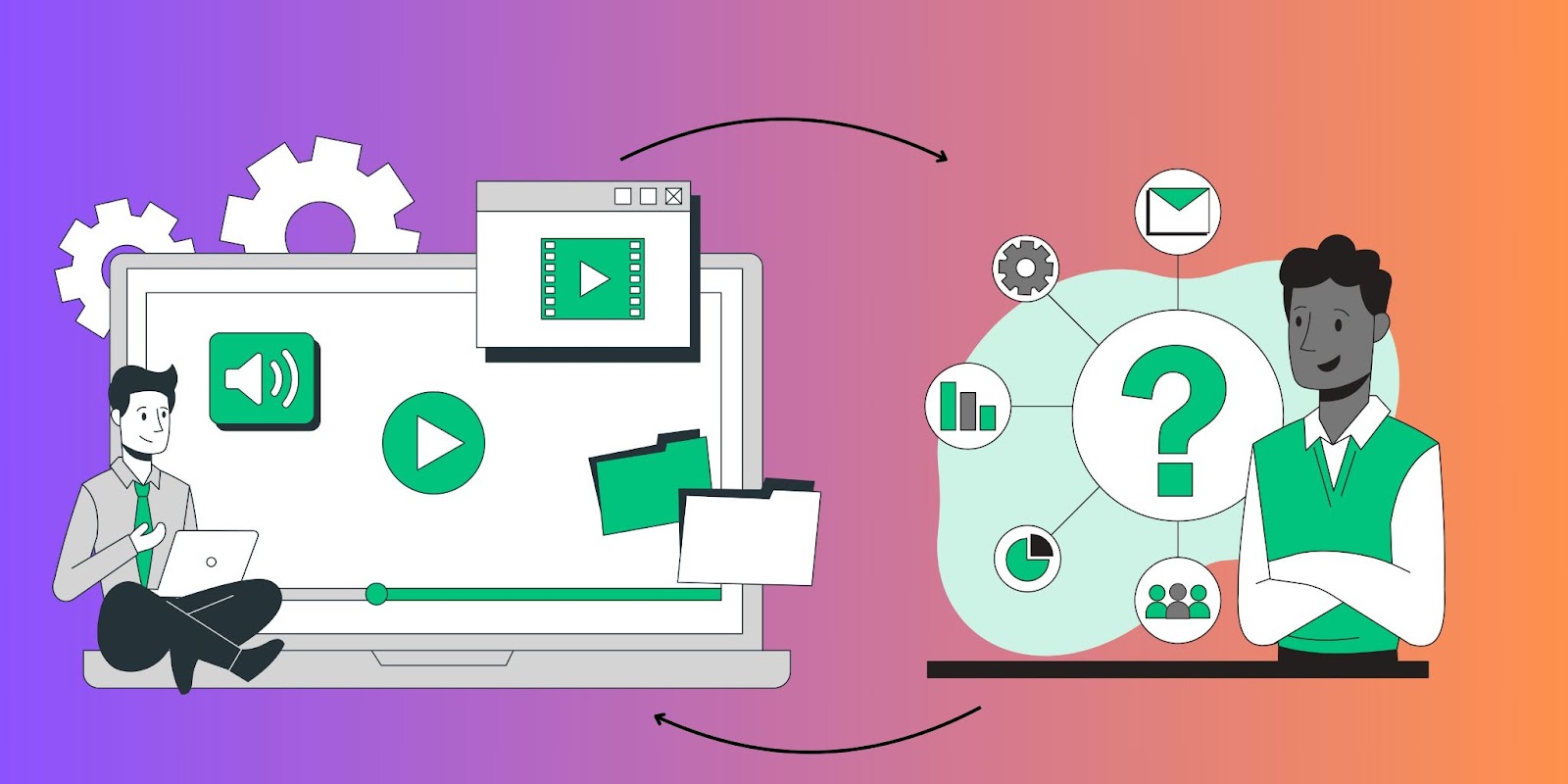
Picture this: You’re managing both Moodle and WordPress, juggling user data like a digital circus performer. Wouldn’t it be amazing if these platforms could just… talk to each other? Well, that’s exactly what our user sync feature brings to the table!
Think of it as having a super-efficient personal assistant who never sleeps. The moment someone new joins your Moodle or WordPress platform, this feature springs into action, making sure their profile appears instantly on both sides. No more manual copy-pasting, no more “oops, I forgot to update that” moments.
But what happens when things get complicated? Let’s say two users share the same username (we’ve all been there!). Instead of creating chaos, our sync feature acts like a skilled mediator, tapping you on the shoulder and saying, “Hey, we need your input on this one.” You get to make the call, keeping everything running smoothly.
The real beauty lies in its flexibility. You’re in complete control of what gets synchronized – think of it as having a sophisticated filter that only lets through the information you want to share between platforms. Whether it’s basic details like names and emails or more specific data, you decide what makes the cut.
Here’s where it gets even better: changes flow seamlessly in both directions. Made an update in Moodle? It automatically reflects in WordPress, and vice versa. It’s like having a digital mirror that keeps both platforms perfectly aligned. And the best part? Every time you hit that ‘save’ button, our feature ensures everything stays in perfect harmony, like a well-orchestrated symphony.
No more lost profiles, no more inconsistencies – just smooth, efficient user management that works as hard as you do!
Want Seamless Integration? Discover the Key Benefits of Our User Sync
- Enhanced User Experience: By eliminating orphaned accounts and resolving conflicts seamlessly, and combining it with MooWoodle’s Single-Sign-On feature, users enjoy a smoother experience when accessing their courses and materials.
- Improved Administrative Efficiency: With automated synchronization and conflict resolution, administrators can focus on more strategic tasks rather than manually managing user accounts.
- Increased Security: Keeping user data synchronized across platforms reduces the risk of unauthorized access due to outdated or incorrect account information.
- Real-Time Updates: Users receive timely notifications about any changes made to their profiles, ensuring they are always informed about their account status.
- Simplified User Management: The ability to manage user accounts from a centralized location streamlines administrative processes and enhances overall efficiency.
Conclusion
Our user sync feature effectively addresses the challenges of orphaned accounts and account conflicts in Moodle–WordPress integrations. By providing real-time synchronization, robust conflict resolution mechanisms, and flexible mapping options, we ensure that both learners and administrators benefit from a seamless experience. Organizations looking to enhance their eLearning platforms can rely on our solution to maintain accurate and synchronized user profiles effortlessly.For more information on setting up our user sync feature or to explore its capabilities further, visit our MooWoodle setup guide or MooWoodle Pro documentation. This blog highlights how the user sync feature effectively handles account conflicts while providing relevant references for further exploration.